
Top 5 Video Editing Apps in 2026

CueEdit, ActionDirector, Adobe Premiere Rush, CapCut and InShot compared. Which one to use for quick edits, and which one edits for you.
Five video editing apps worth your time in 2026. One of them edits the video for you from a chat message, the other four are solid mobile editors you already know. Pick by how much work you want to do yourself.
CueEdit
Link: https://www.cueedit.io/
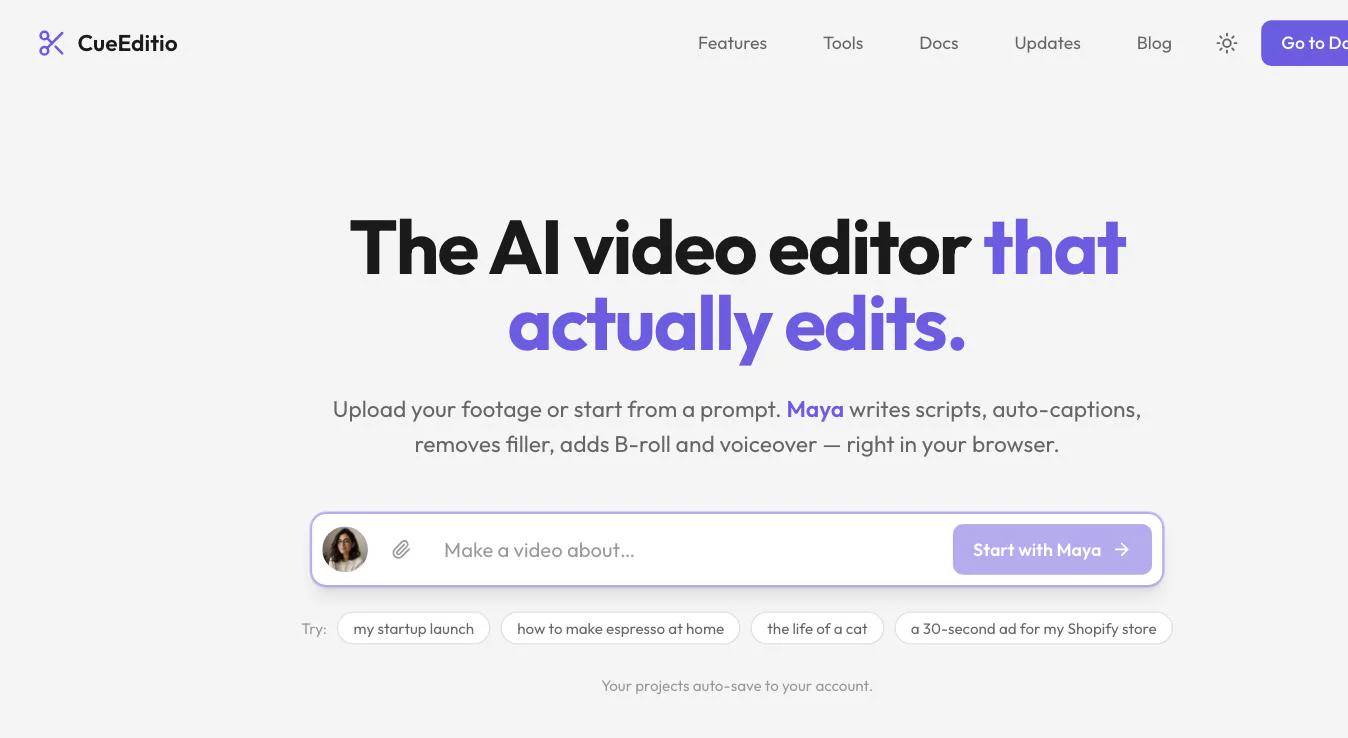
CueEdit is first because it is the only one here that covers the whole job, not just the cut. It runs in the browser, no install. You upload footage or type a prompt, and an AI assistant called Maya writes the script, adds captions, removes filler words, drops in B-roll and generates a voiceover. Then it schedules the post to Instagram and sets up the comment-to-DM automation on it. All of that can be driven from Claude, so one chat message can take a raw recording to a scheduled reel with auto DMs switched on. There is still a proper multi-track timeline underneath if you want to do it by hand.
-
Advantages:
- Describe the edit, don't do it: Tell Maya "cut the pauses and add subtitles" and it does. For talking-head videos, reels and tutorials this is most of the work.
- Renders on your machine: Export happens in your browser, so the footage never sits on a server. That matters if the recording has a client's screen or your own dashboards in it.
- Built-in stock and voices: Pexels stock library, six AI voices, Google Photos import, and auto subtitles you can edit before they hit the timeline.
- Edit, schedule and auto DM in one place: Instagram scheduler and comment-to-DM automation are built in, and Claude can run the lot. No separate scheduling tool, no ManyChat.
-
Disadvantages:
- Browser only for now: No native phone app yet, so today it is a laptop or desktop tool. The mobile app is launching soon.
- Free tier is capped: 720p exports with a watermark and limited AI minutes on the free plan.
-
Pricing:
- Free (720p, watermark). Pro at $6/month for 1080p, no watermark and more AI minutes. Business at $16/month for 4K and unlimited AI. Indian users pay in INR (₹459 and ₹1,299).
ActionDirector Video Editor
Link: https://play.google.com/store/apps/details?id=com.cyberlink.actiondirector&hl=en&gl=US
-
Advantages:
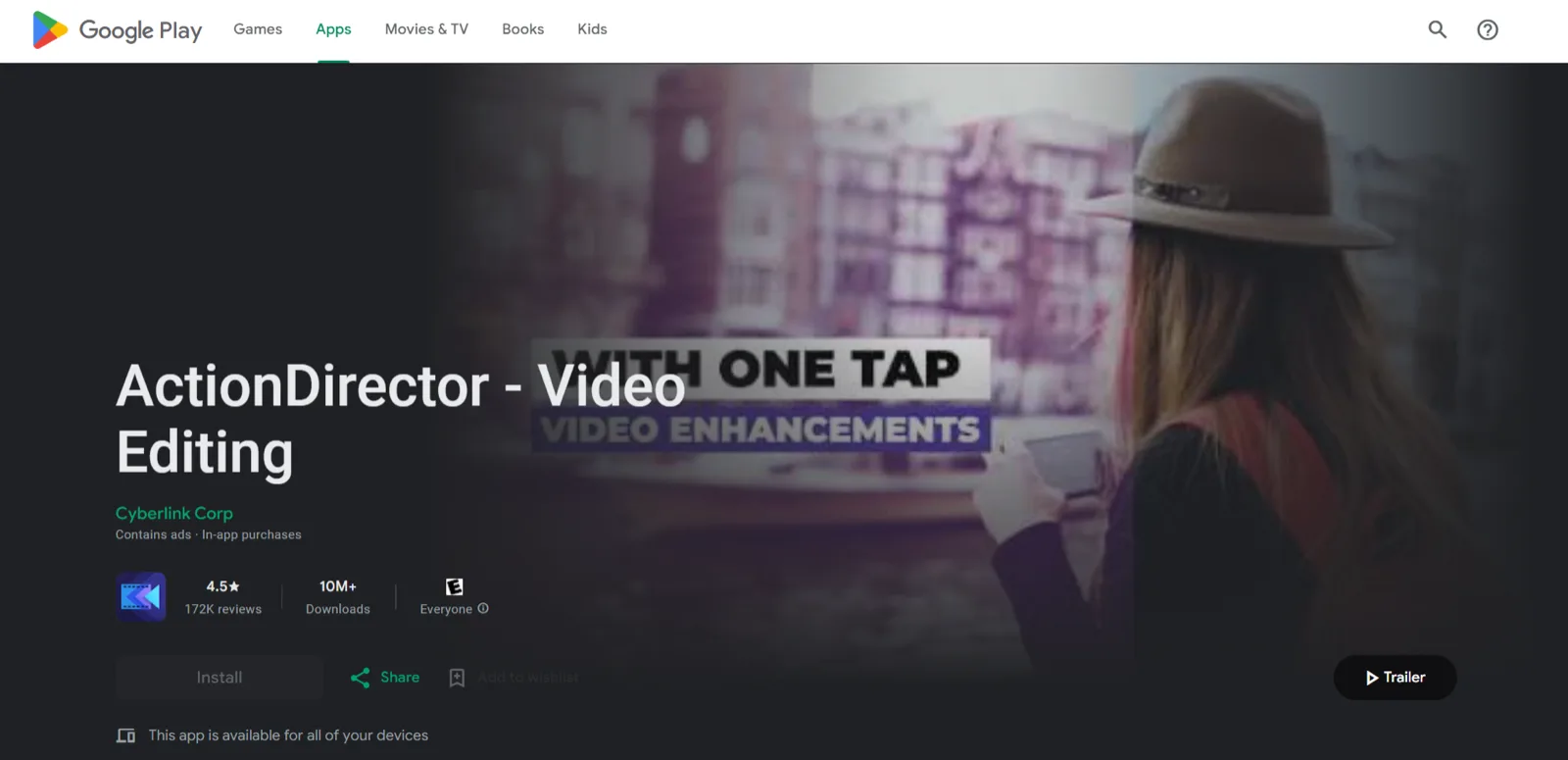
- Versatility Unleashed: ActionDirector offers a comprehensive range of features suitable for both basic and advanced video editing, catering to a diverse user base.
- Visual Brilliance in 4K: Boasting compatibility with 4K video, it ensures your creations are not just edited but enhanced for high-quality viewing on Android devices.
-
Disadvantages:
- Subscription Dependency: While the app provides a robust set of free features, its full potential is unlocked with a subscription, limiting access for users who prefer free solutions.
-
Pricing:
- Free with the option of a Subscription ($3.99/month or $14.99/year).
Adobe Premiere Rush
Link: https://play.google.com/store/search?q=adobe+premiere+rush&c=apps&hl=en&gl=US
-
Advantages:
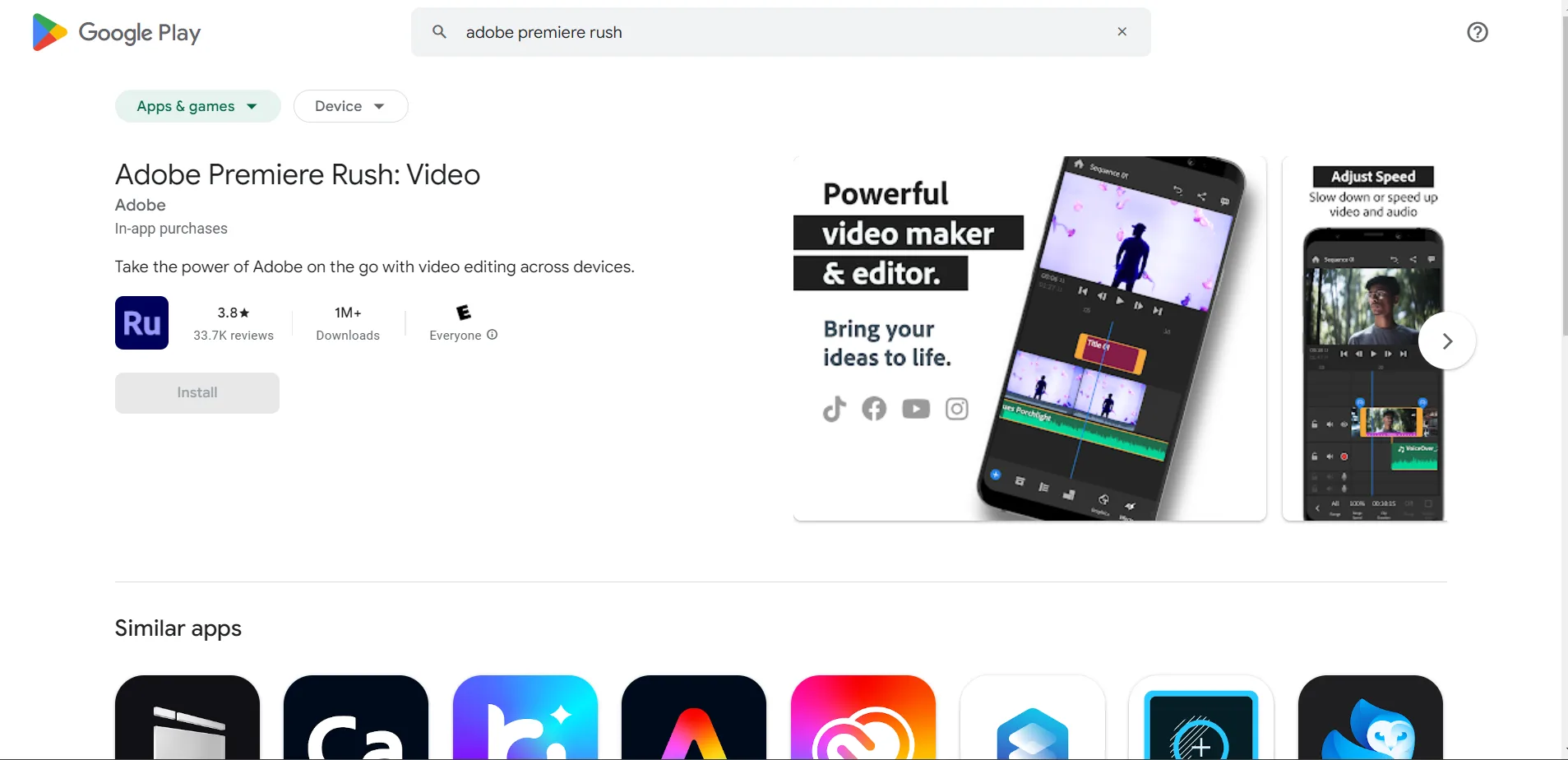
- Seamless Integration with Creative Cloud: Premiere Rush stands out with its integration into the Adobe Creative Cloud, ensuring a smooth workflow for those already immersed in the Adobe ecosystem.
- Powerful Editing Arsenal: With advanced editing tools and cloud syncing, Premiere Rush empowers creators to bring their visions to life with precision and efficiency.
-
Disadvantages:
- User Interface Challenges: The app could benefit from user interface improvements, and occasional bugs may disrupt the editing flow.
-
Pricing:
- Free with optional In-app purchases ranging from $4.99 to $34.99 per item.
CapCut
Link: https://play.google.com/store/search?q=capcut&c=apps&hl=en&gl=US
-
Advantages:
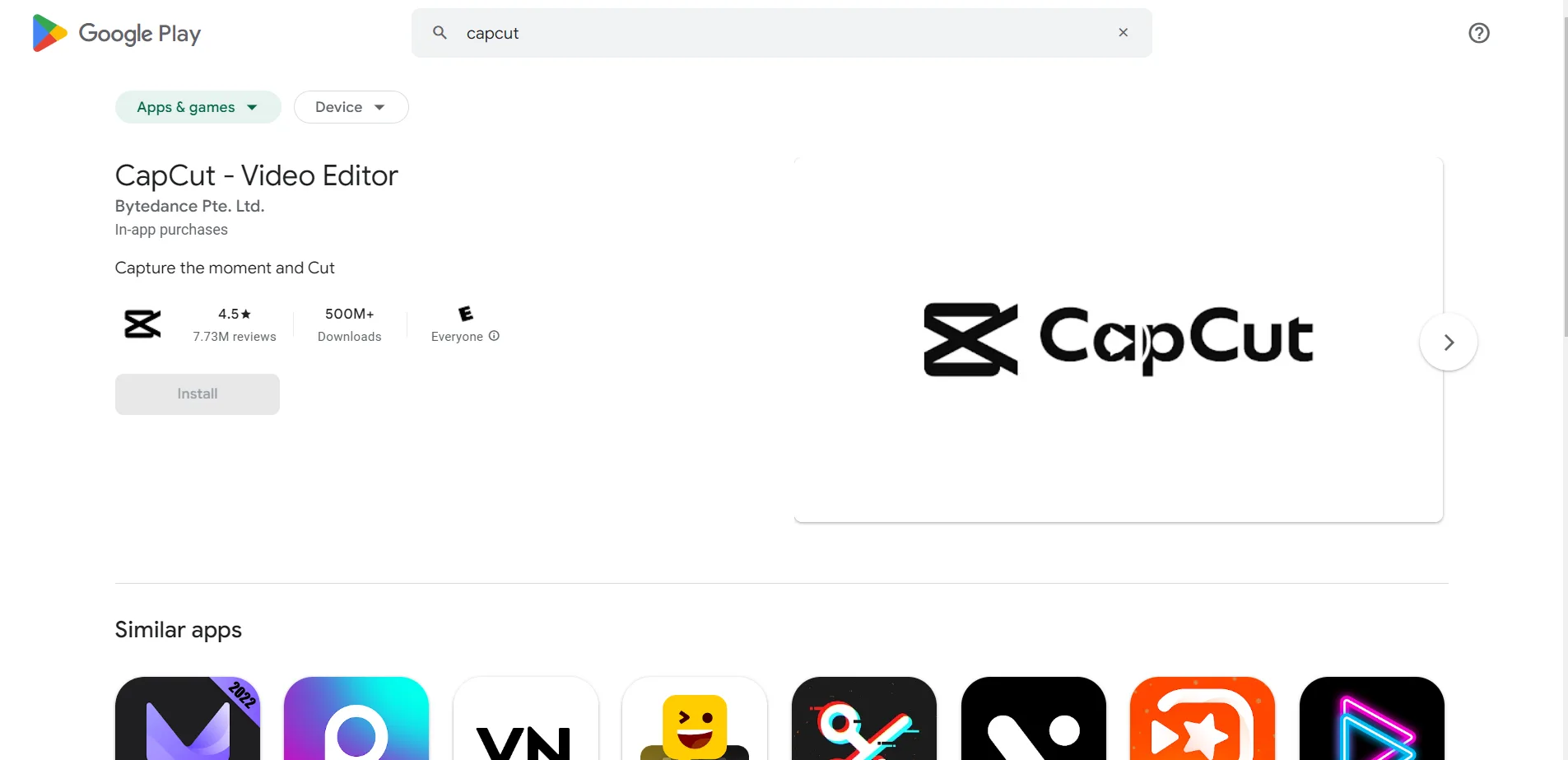
- Tailored for Short-Form Brilliance: CapCut caters to the dynamic world of short-form content creation, making it an ideal companion for TikTok, Reels, and YouTube Shorts enthusiasts.
- Abundance of Filters and Templates: The app provides an extensive collection of filters and templates, allowing users to effortlessly emulate trends and add a touch of fun to their videos.
-
Disadvantages:
- Specialization Limitations: While excelling in short-form content, CapCut may lack some of the advanced features found in apps designed for longer video formats.
-
Pricing:
- Free with available In-app purchases.
InShot
Link: https://play.google.com/store/apps/details?id=com.camerasideas.instashot&hl=en&gl=US
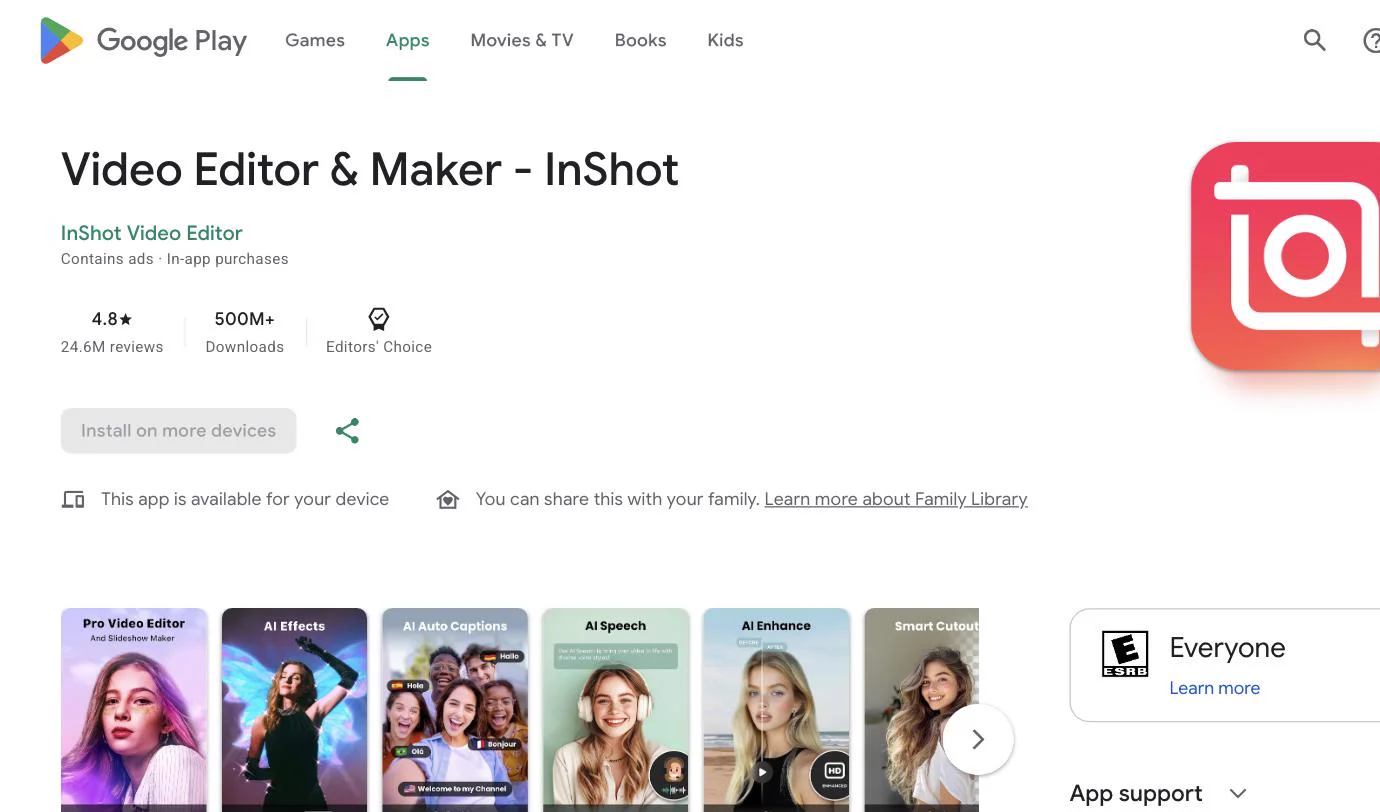
InShot is the editor most people already have on their phone. Trim, split, speed changes, music, text and stickers, plus one-tap canvas sizes for Instagram, YouTube and TikTok. It does not try to do anything clever, which is why it is fast.
-
Advantages:
- Fastest path from clip to post: Open, trim, pick a 9:16 or 1:1 canvas, export. Under a minute for a simple cut.
- Big music and sticker library: Plenty of royalty-free tracks and effects for social posts without leaving the app.
-
Disadvantages:
- Watermark and ads on free: The free version adds a small InShot watermark and shows ads until you pay.
- No AI help: Everything is manual. Captions, cuts and B-roll are on you.
-
Pricing:
- Free with watermark. Pro roughly $3.99/month or a one-time lifetime purchase, varies by region.
Conclusion:
If you want the video edited, scheduled and the auto DM set up without opening three tools, start with CueEdit and let Maya or Claude do the first pass. If you want to cut on your phone in a hurry, InShot or CapCut. ActionDirector if you shoot 4K on Android and want control, Premiere Rush if you already live in Adobe.
FAQs:
Q: Which of these actually edits the video for me? A: Only CueEdit. You describe the edit in plain English and it cuts, captions and voices the video, then schedules it and sets up auto DMs. The other four are manual editors with varying amounts of templates.
Q: Is ActionDirector suitable for professional video editing? A: Yes, ActionDirector caters to both beginners and professionals with its advanced features and 4K video support.
Q: What sets Adobe Premiere Rush apart in the crowded market? A: Premiere Rush distinguishes itself with Adobe Creative Cloud integration, cloud syncing, and a powerful array of editing tools.
Q: Can CapCut handle longer videos, or is it limited to short-form content? A: While CapCut excels in short-form content, it does offer traditional video editing features suitable for longer videos.
Q: Does my footage get uploaded anywhere with CueEdit? A: Rendering happens in your browser. Uploading your own footage to a project needs a sign-in, and the export itself runs locally.
Other blogs:
- 5 Tips for Secure Screen Sharing: https://www.blurweb.app/blog/5-tips-for-secure-screen-sharing
- Free Video Face Blurring Software: https://www.blurweb.app/blog/video-face-blurring-software-free
- How to Use Blurweb App: https://www.blurweb.app/blog/how-to-use-blurweb-app
You May Also Like
- How to Share Your Ads Manager Screen Without Leaking Spend or Client Data
- Claude Blurred My Password Out of a Screen Recording
- 5 Tips for Secure Screen Sharing
- 9+ Chrome Shortcut keys
- Apps to Blur Pictures in 2026 (iPhone, Android, PC)
- Apps to Blur Things Out of Pictures (Free Picks)
- The Best AI Photo Editors in 2026
- Best Blur Background Apps for iOS and Android (2026)